Get more enquiries from your listing
Two listings can carry the same plan and get very different results. This is what separates them, in the order that makes the most difference. None of it costs money.
About 9 minutes to read
Before you start
- A published listing you can edit
Step 1: Fix the main photo first
In every directory, people see your main photo and your name before anything else. That one image decides whether they click. Nothing else on this page matters as much.
What works:
- Daylight. Outside on an overcast day, or right next to a window.
- One clear subject, filling most of the frame.
- A plain background. A tablecloth, a wall, the sky.
- Shot straight on, holding the phone steady with both hands.
What does not:
- Photos taken at night under a market light. Everything goes orange.
- A wide shot of your whole stall where nothing is big enough to see.
- A logo with tiny writing that vanishes on a phone screen.
- A screenshot of another photo. It gets blurry and stays blurry.
Take twenty, keep one
Step 2: Write the words people actually type
Search only works if your listing contains the words being searched for. Nobody types "quality artisanal offerings" into a search box.
Instead of this
"We offer a range of quality handmade products crafted with passion and attention to detail."
Write this
"Beeswax candles, soy wax melts and refillable jars, hand poured in Somerset West. Unscented options for sensitive noses."
The second version contains beeswax, soy, melts, refillable, Somerset West and unscented. Every one of those is a phrase someone might search for. The first contains nothing.
Step 3: Get your category and city right
Almost all browsing is done by category and location. If either is wrong, the people who most want what you sell will never reach your page, no matter how good it is.
- Pick the category a customer would look under, not the one that describes your process.
- Add extra categories only where they honestly apply.
- Set your city and suburb even if you have no shopfront.
Step 4: Fill the gallery
A listing with one photo looks abandoned. A listing with eight looks like a real business. You have room for ten, so use them.
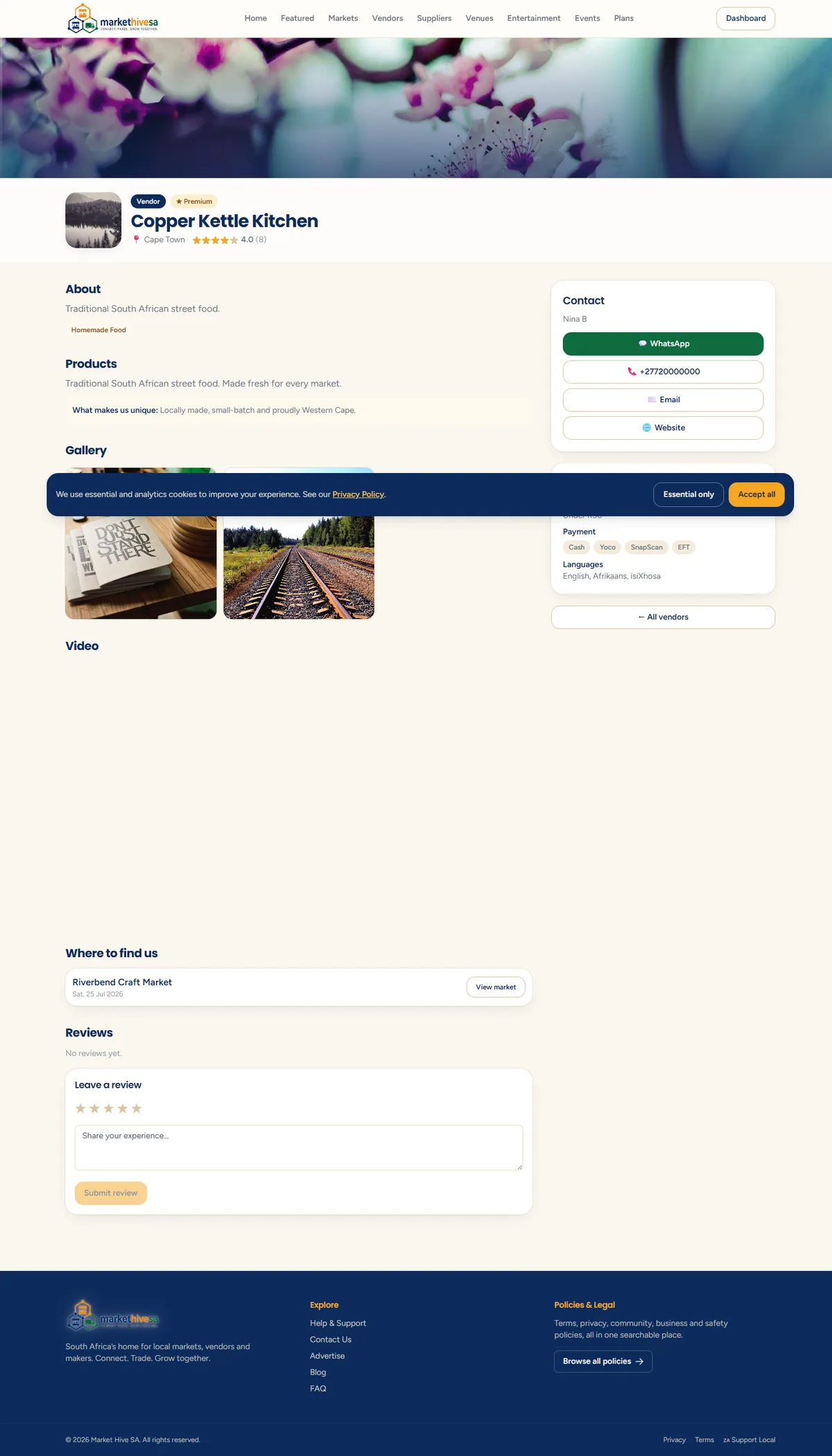
Good things to include:
- Three or four individual products, each on its own
- Your stall set up and trading
- You, or your team, at work
- Packaging or a finished order
- A busy market day, with people in the shot
Step 5: Answer the questions before they are asked
Every enquiry that only asks "do you deliver?" is an enquiry you could have turned into an order. Put the answers on the page:
- Do you deliver, where to, and what does it cost?
- What payment do you take? Card, cash, EFT, SnapScan?
- Is there a minimum order?
- How far ahead do you need notice?
- Which markets are you at, and when?
Answer once, in writing
Step 6: Make yourself easy to contact
- Fill in your WhatsApp number. Most enquiries from this site arrive that way.
- Use an email address you actually read.
- If you are slow to answer during trading hours, say so on the page.
Reply quickly or lose the sale
Step 7: Send your own traffic in
Your listing is a proper web address you can share anywhere. Put it in:
- your Instagram and Facebook bio
- your WhatsApp Business profile
- your email signature
- a QR code on your stall signage
This helps twice over: those visitors are counted in your views, and a listing that gets steady traffic performs better in search over time.
Step 8: Ask for reviews
A listing with reviews gets trusted faster than one without. Ask happy customers at the stall to leave one, and give them the address on a card. Do not offer anything in exchange for a good review: it is against the reviews and content standards and people can tell.
Do this in order
Check your progress on the analytics page.
Still stuck? Email [email protected] or use the contact form. Tell us which step you are on and we will walk you through it.