List your supplier business
For businesses that supply traders, markets and venues rather than the public: wholesale goods, packaging, equipment hire, cold storage, card machines, signage and services.
About 12 minutes to read
Before you start
- A Market Hive SA account, and you are logged in
- Your logo
- Optional: your catalogue and price list as PDF files
Step 1: Open the form and choose Supplier
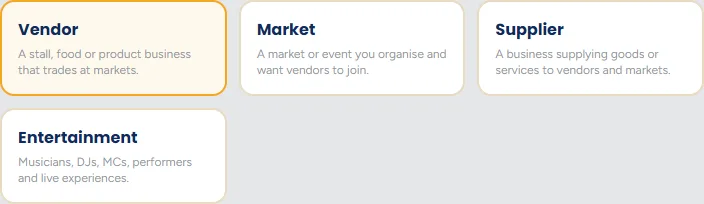
On your dashboard click + Create a listing, then click Supplier so it is highlighted in gold.
Step 2: Say whether you are a supplier, a venue, or both
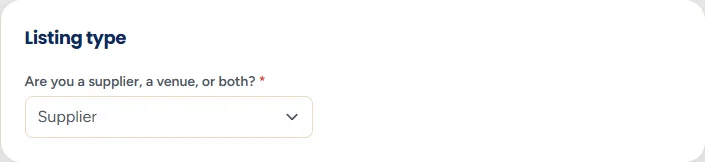
The first question decides which half of the form you get. Leave it on Supplier if you only supply goods or services.
If you also hire out a space
Step 3: Business details
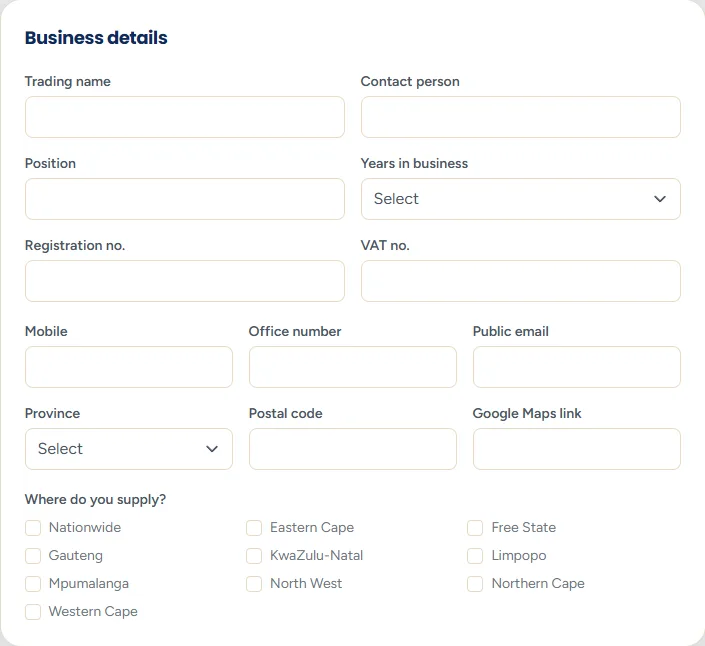
- Registration and VAT numbers - optional, but they matter here in a way they do not for a market stall. Buyers placing a wholesale order want to know they are dealing with a real registered business, and a VAT number is often needed for their own books.
- Years in business - a genuine trust signal for anyone deciding whether to order from you.
- Office phone - many buyers still phone during business hours. Include it if you have one.
Step 4: What do you supply?
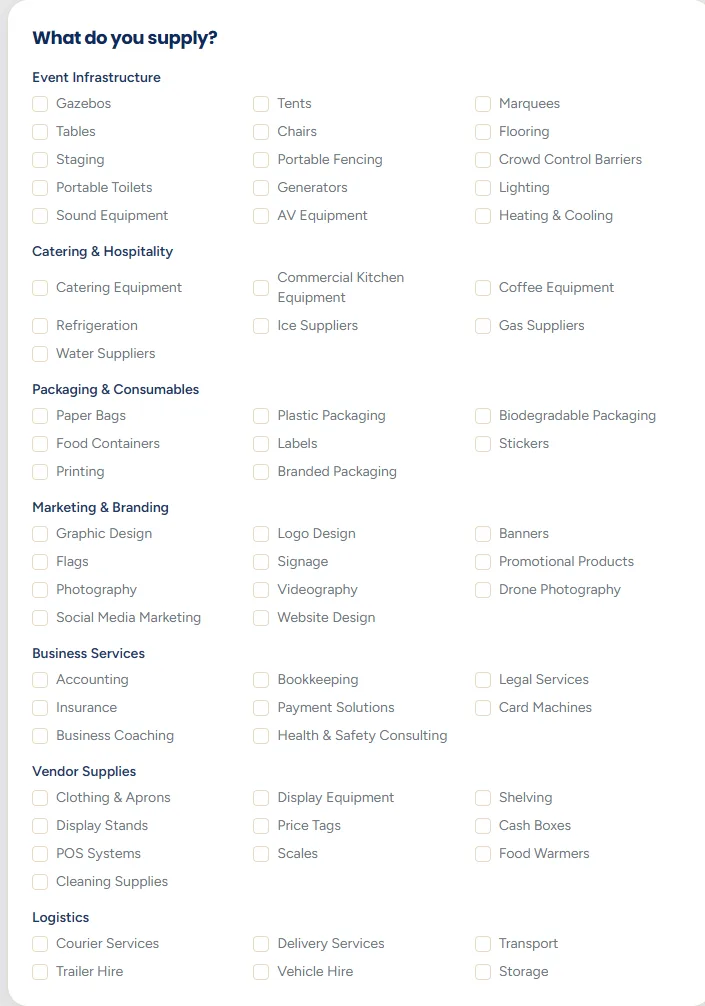
- Categories - grouped by kind of supply. Tick everything you genuinely stock or do. This is the main thing buyers filter on.
- Who do you supply? - vendors, markets, venues, or all of them.
- Service areas - the provinces or regions you cover. Be accurate: quoting for a job you cannot reach wastes your time and theirs.
Step 5: About your business
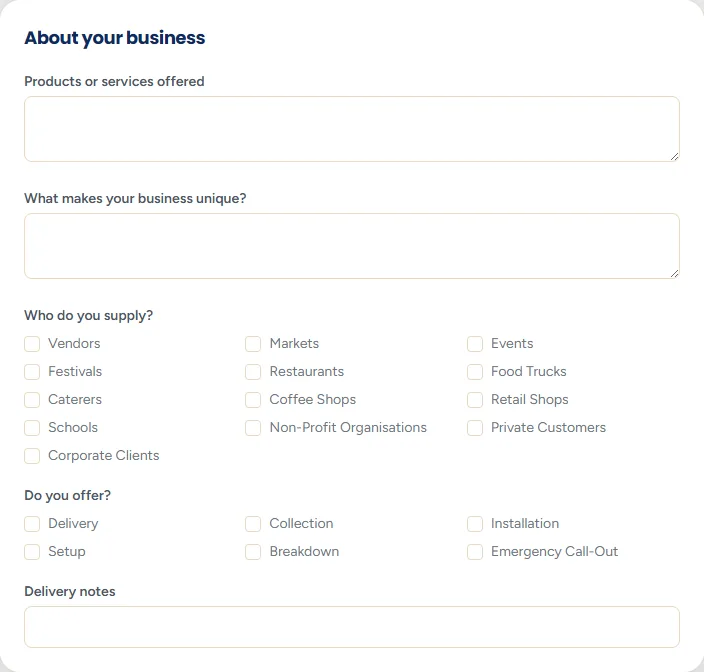
- Products and services - specifics. "Kraft boxes, greaseproof liners, compostable cutlery and printed stickers" gets found. "Packaging solutions" does not.
- What makes your business unique - minimum order, lead time, local manufacture, next day delivery. The thing a buyer is actually weighing up.
- Delivery information - the question you will otherwise be asked in every single enquiry. Answer it here once.
State your minimum order
Step 6: Capabilities
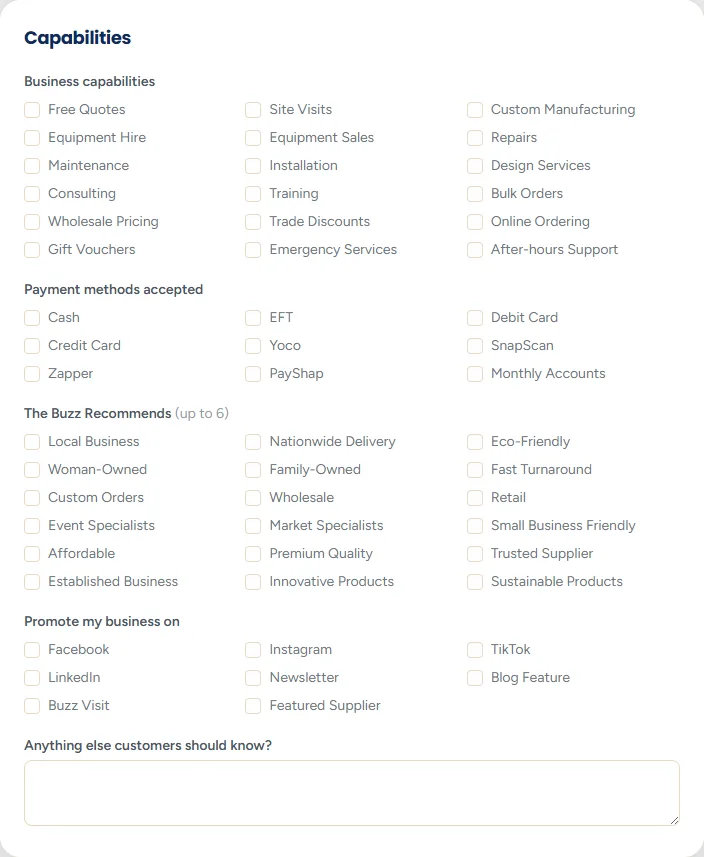
Delivery options and payment methods are practical filters. A vendor with no vehicle needs a supplier who delivers; a market organiser paying by EFT on account needs to know you allow it.
Step 7: Documents
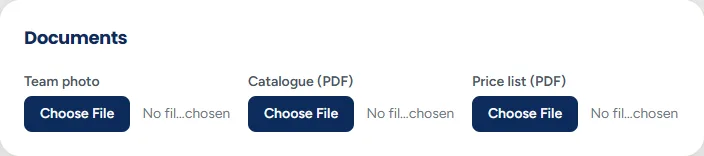
- Team photo - up to 4 MB. Puts faces to the business.
- Catalogue and price list - PDF or photo, up to 8 MB each.
A downloadable price list wins work
Step 8: Images, agreements and submit
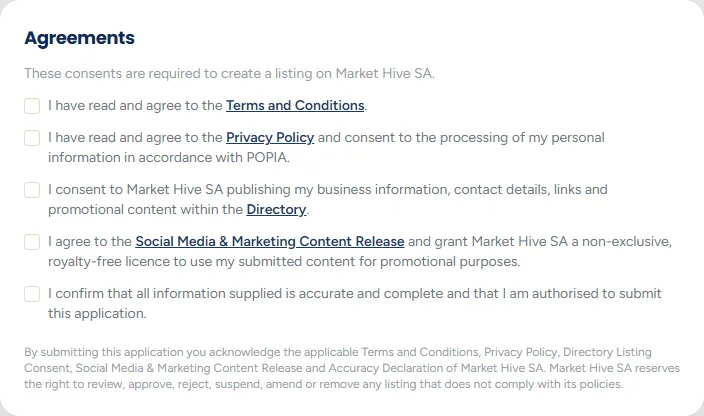
Add your logo as the main image and up to ten gallery photos, tick the five compulsory agreements, then click Submit application. If you picked a plan on the Hive Memberships page first, you go straight to checkout to finish joining. Otherwise you land on your dashboard, where the listing shows as pending until a person has checked it.
Step 9: After you are live
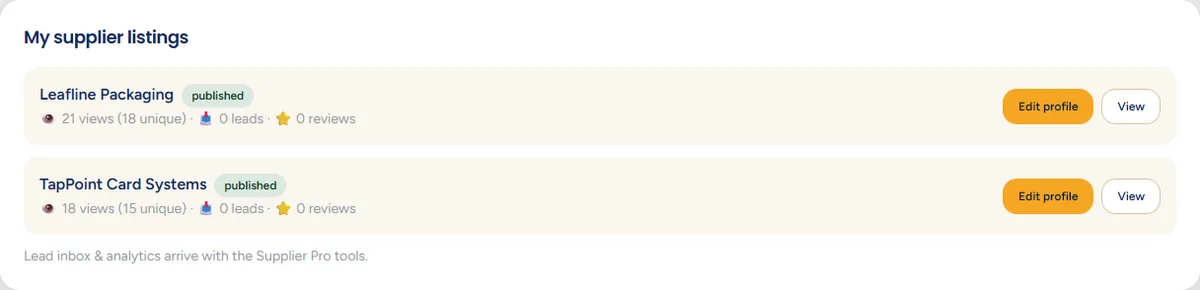
Your supplier dashboard shows each listing with its views and the number of leads it has produced.
Worth reading next:
Still stuck? Email [email protected] or use the contact form. Tell us which step you are on and we will walk you through it.